
JMCQ 7/10 inch Carplay Car Smart Screen multimedia Video player Wireless Carplay Android Auto Car Radio for Apple Android Stereo


JMCQ 7/10 inch Carplay Car Smart Screen multimedia Video player Wireless Carplay Android Auto Car Radio for Apple Android Stereo
SPECIFICATIONS
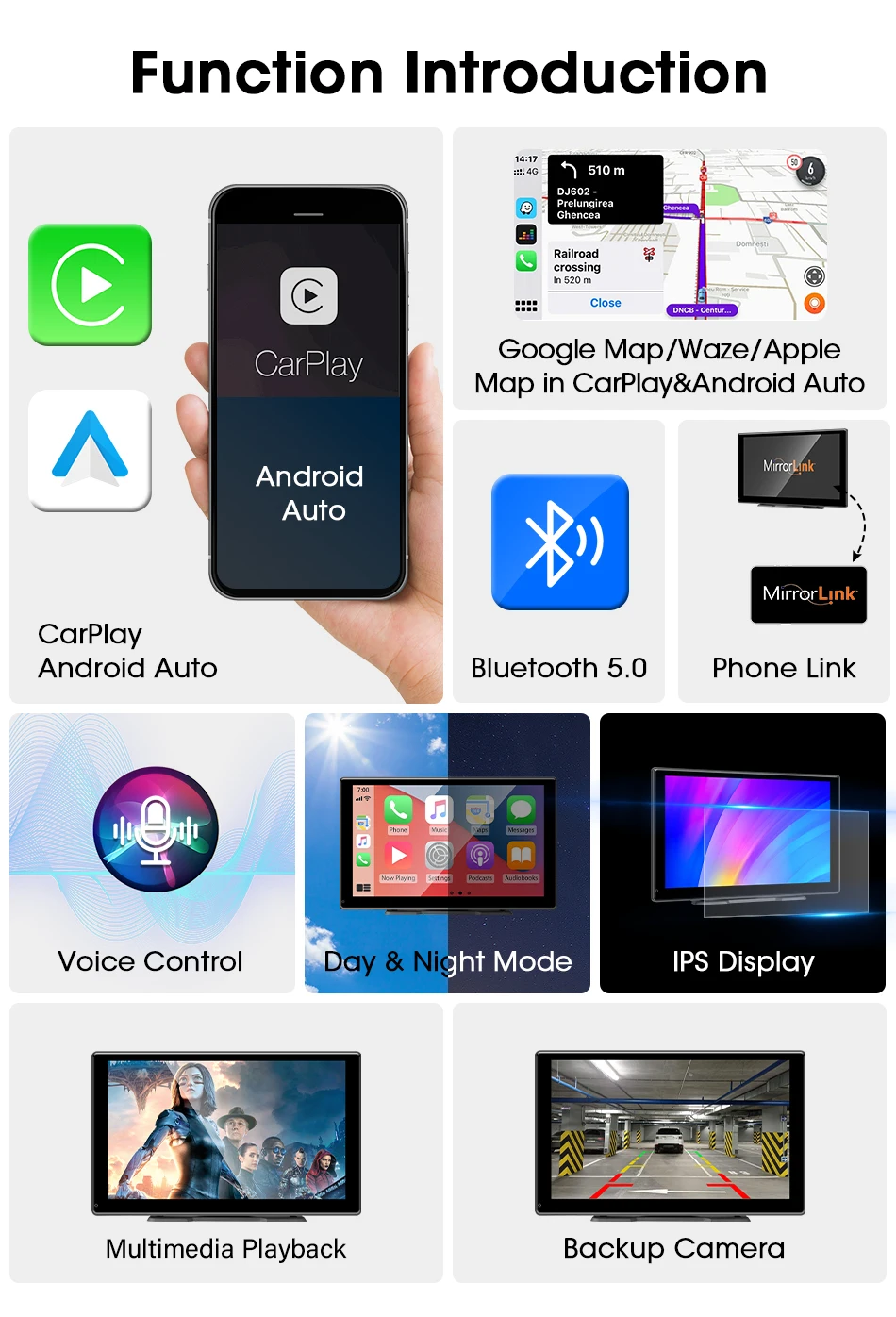
Bluetooth: support
Brand Name: JMCQ
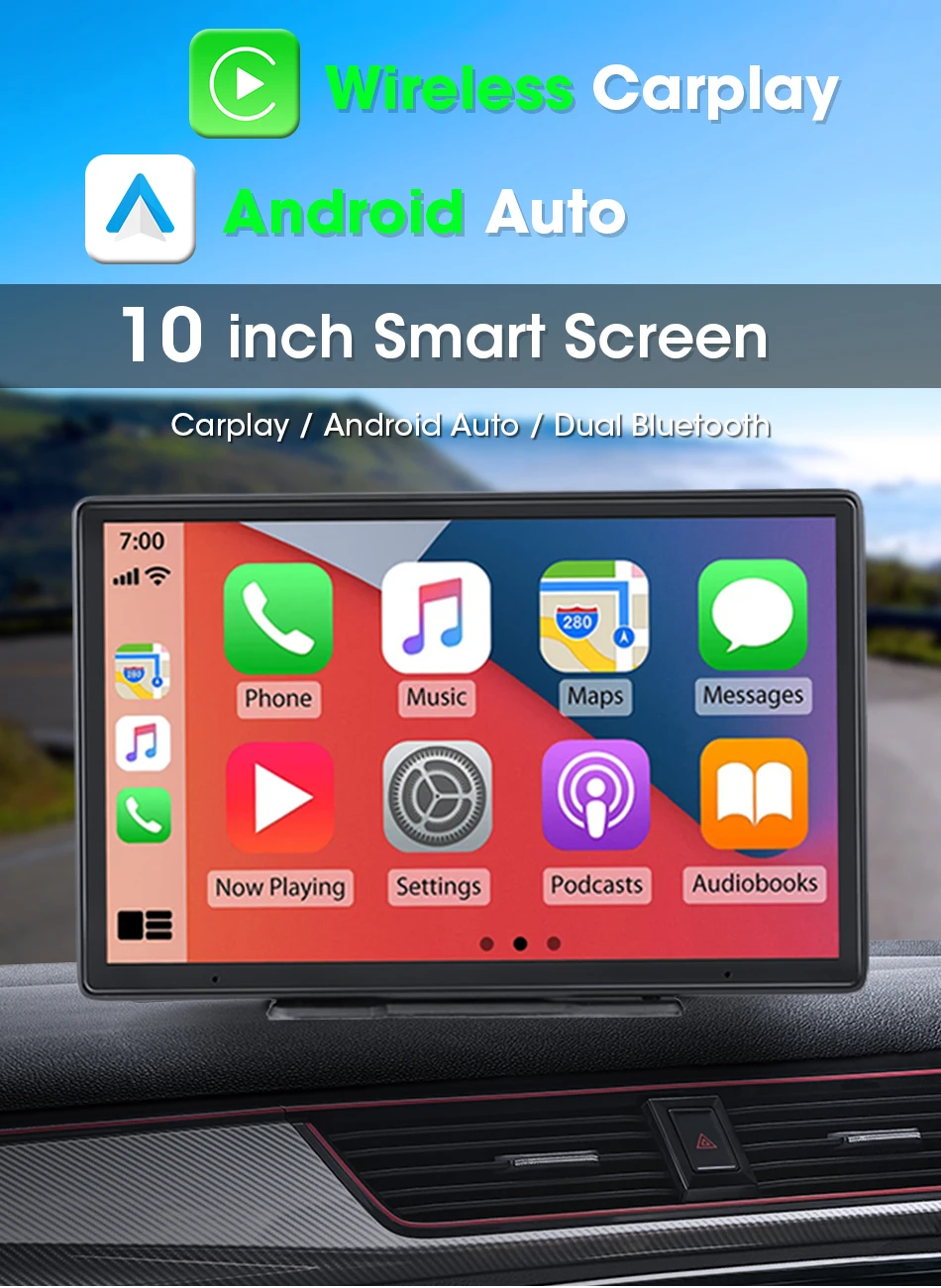
Car Multimedia player: Carplay Smart Screen
Certification: CE
Choice: yes
Display Size: 10"
High-concerned chemical: None
Item Type: Car Monitors
Item Weight: 1000
Origin: Mainland China
Placement: In-Dash
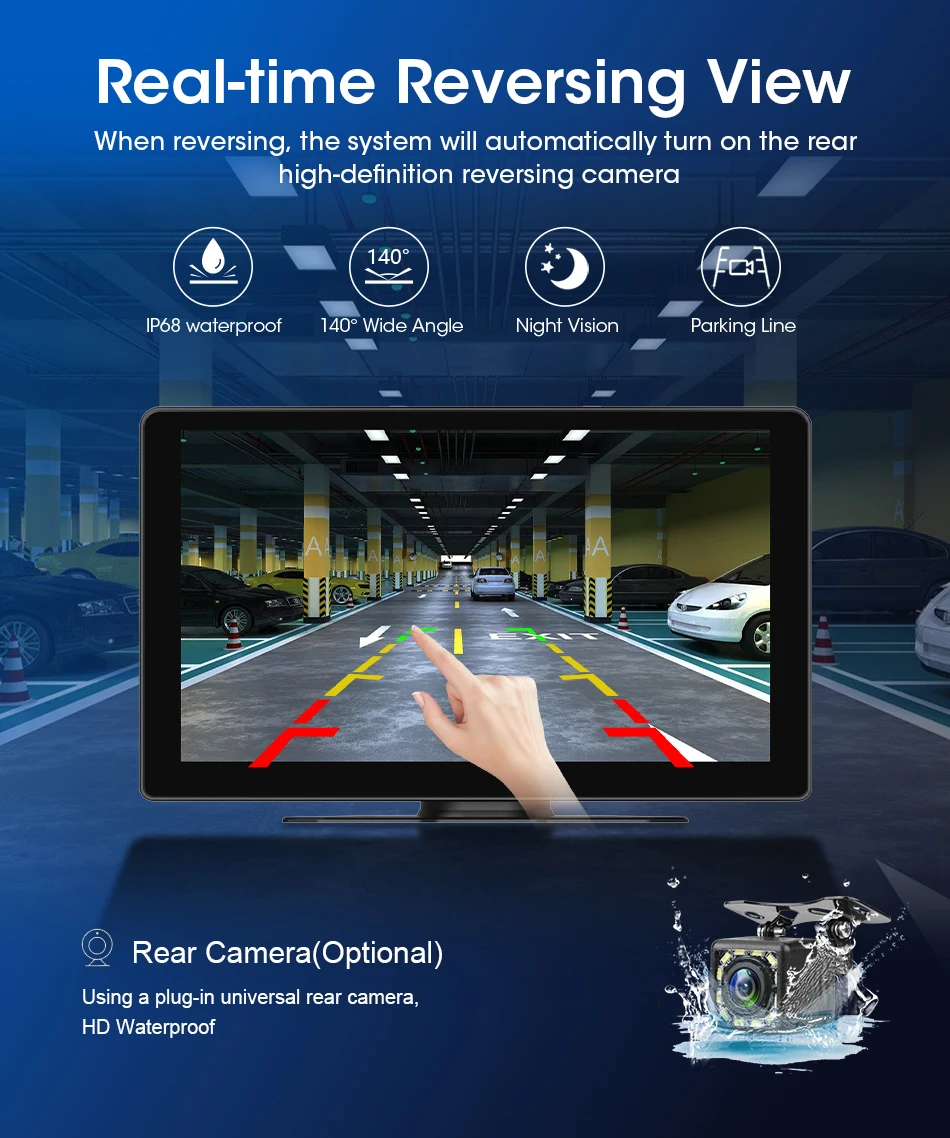
Rear camera: optional
T102: 10 inch
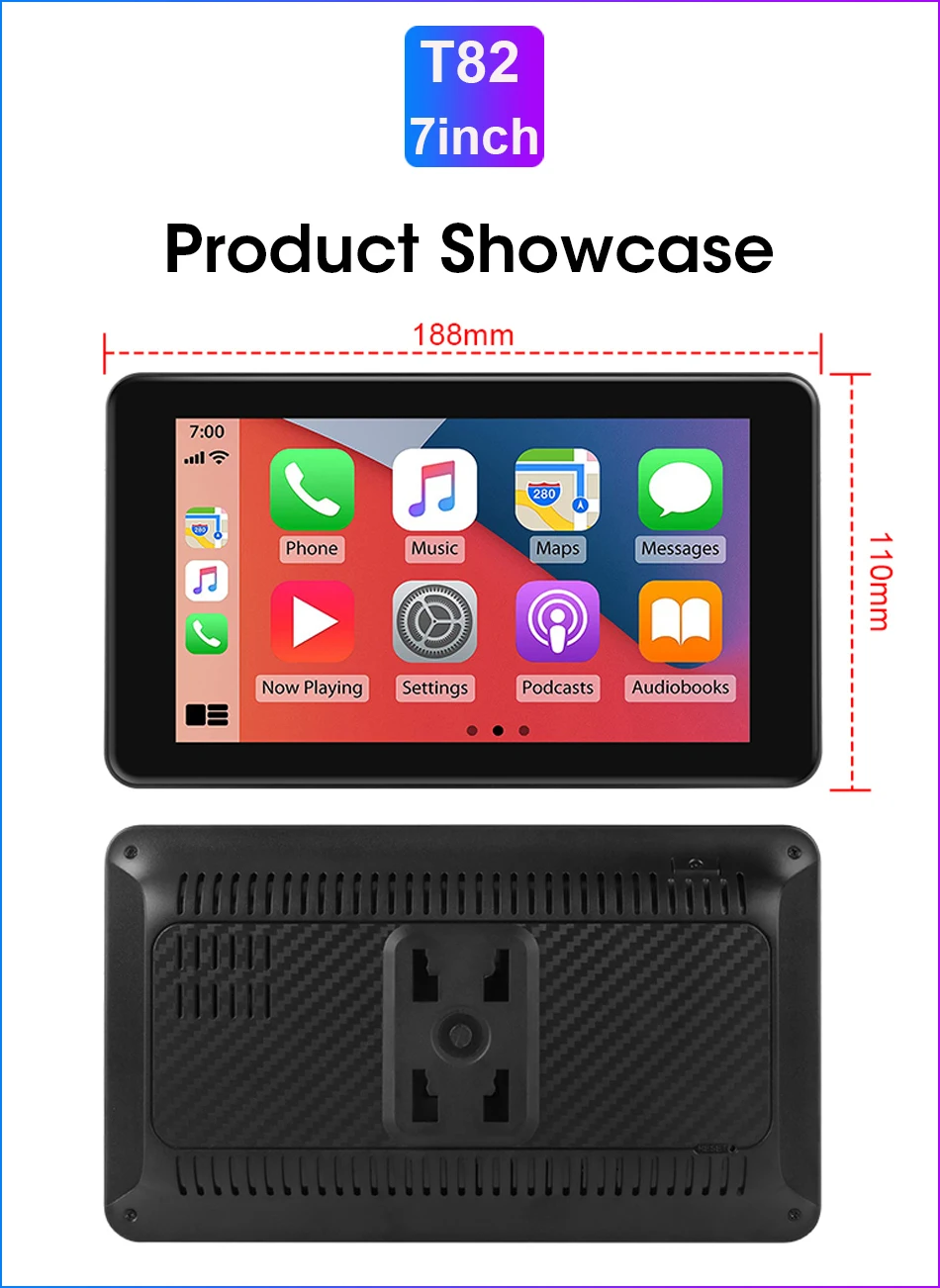
T82: 7 inch
Touch Screen: YES
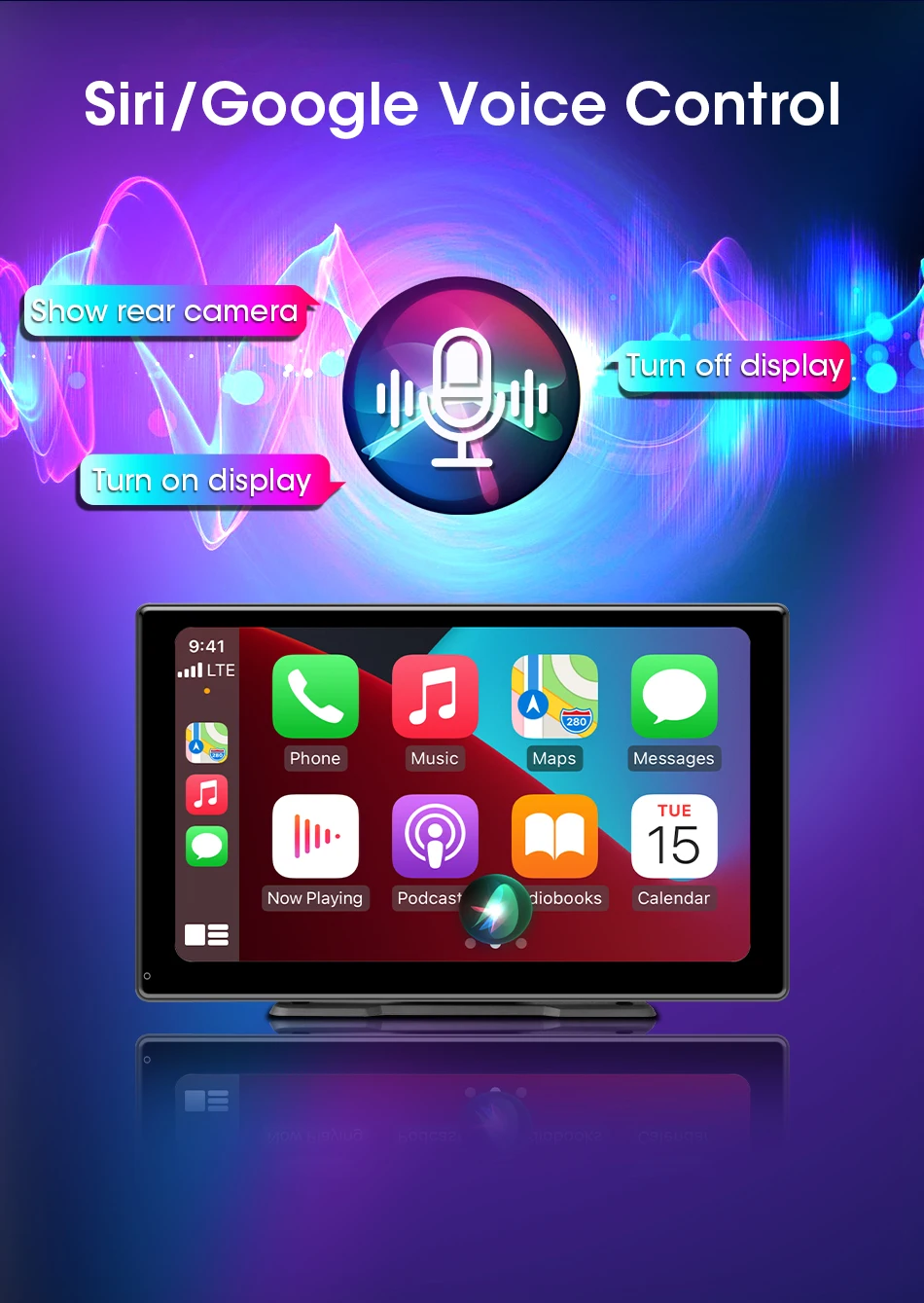
Wireless Android Auto: support
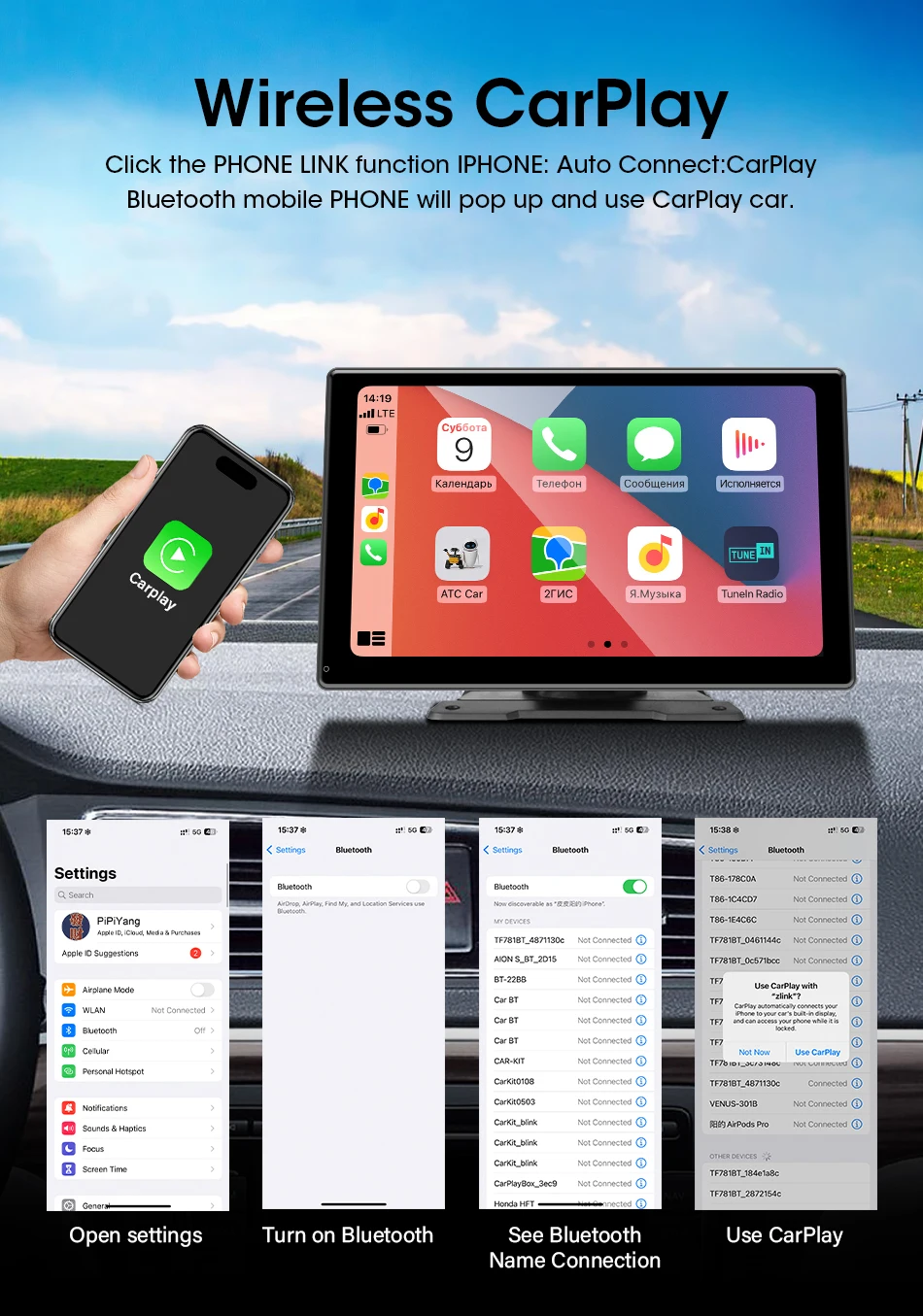
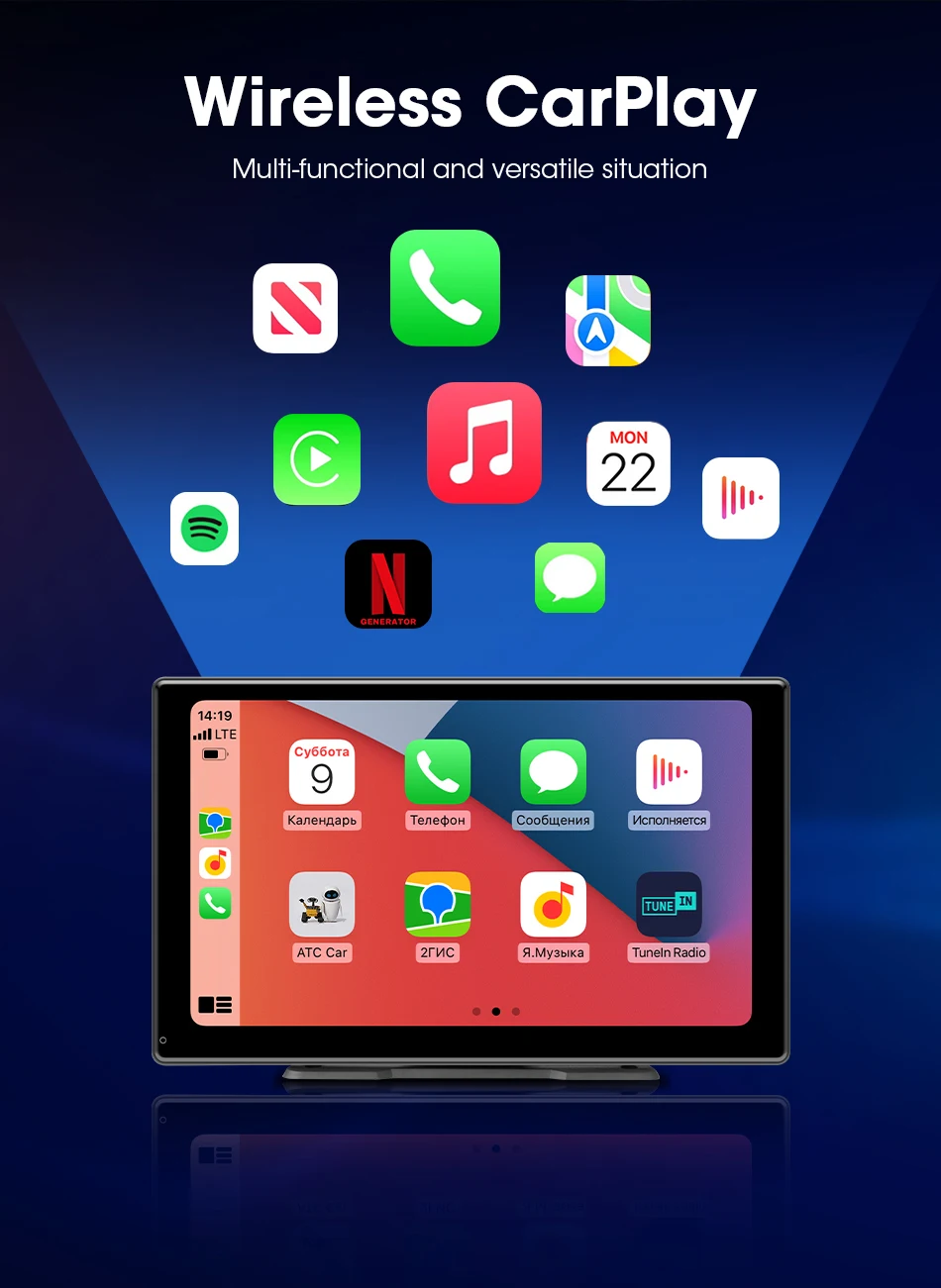
Wireless Carplay: support
Please note:
1,Size is optional. T102 is 10 inches. T82 is 7 inches. Suggest purchasing the T102 option with a large display screen.
2,The 7-inch T82 does not come with a rearview camera. The 10 inch T102 has an option for a rearview camera. When placing an order, please note whether your options include a rearview camera.
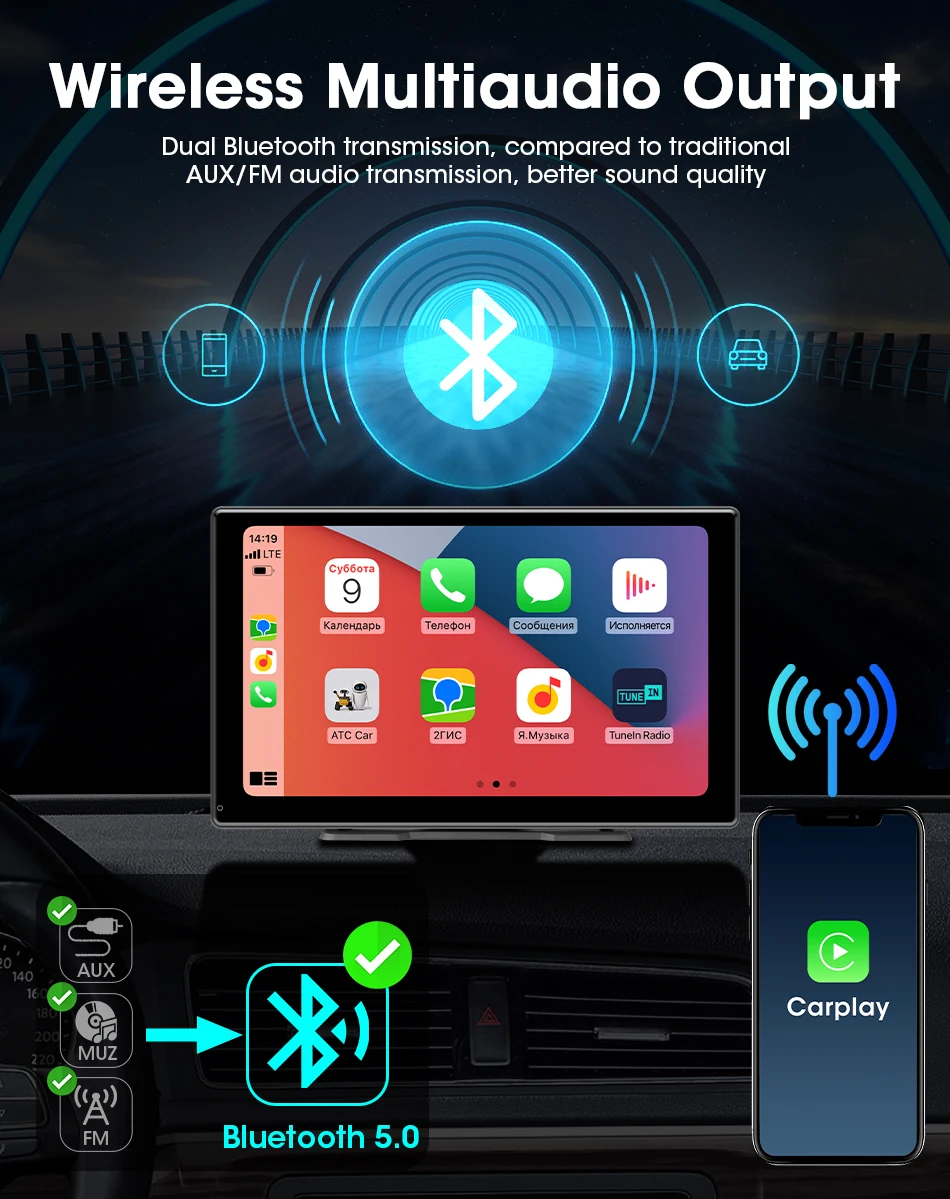
3,Support Bluetooth calling: First, connect to wireless CarPlay or Android Auto via Bluetooth. After successful connection, use your phone to connect to the car's Bluetooth.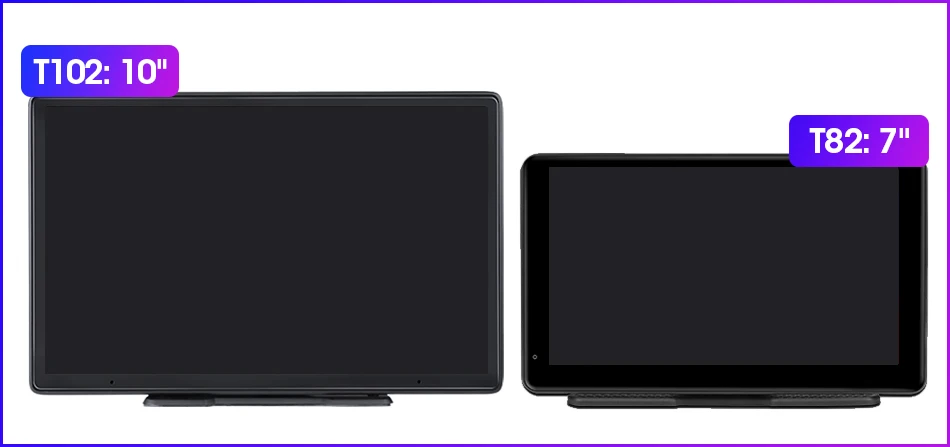




 FAQ:
FAQ:
Q: What versions of phones does Carplay/Android Auto support?
A: Apple phone: IOS10 or higher version; Android phone: Android 11 or higher version.
Not compatible with Huawei phones.
Q: Can I use the original car/other brand's rear camera?
A: No. Only supports our accompanying cameras. Suggest purchasing an option that includes a camera.
Q: Does it have an Android system? Can I use YouTube?
A: It doesn't have an Android system. Cannot use YouTube. Cannot download the app.
Q: Why doesn't the product turn on?
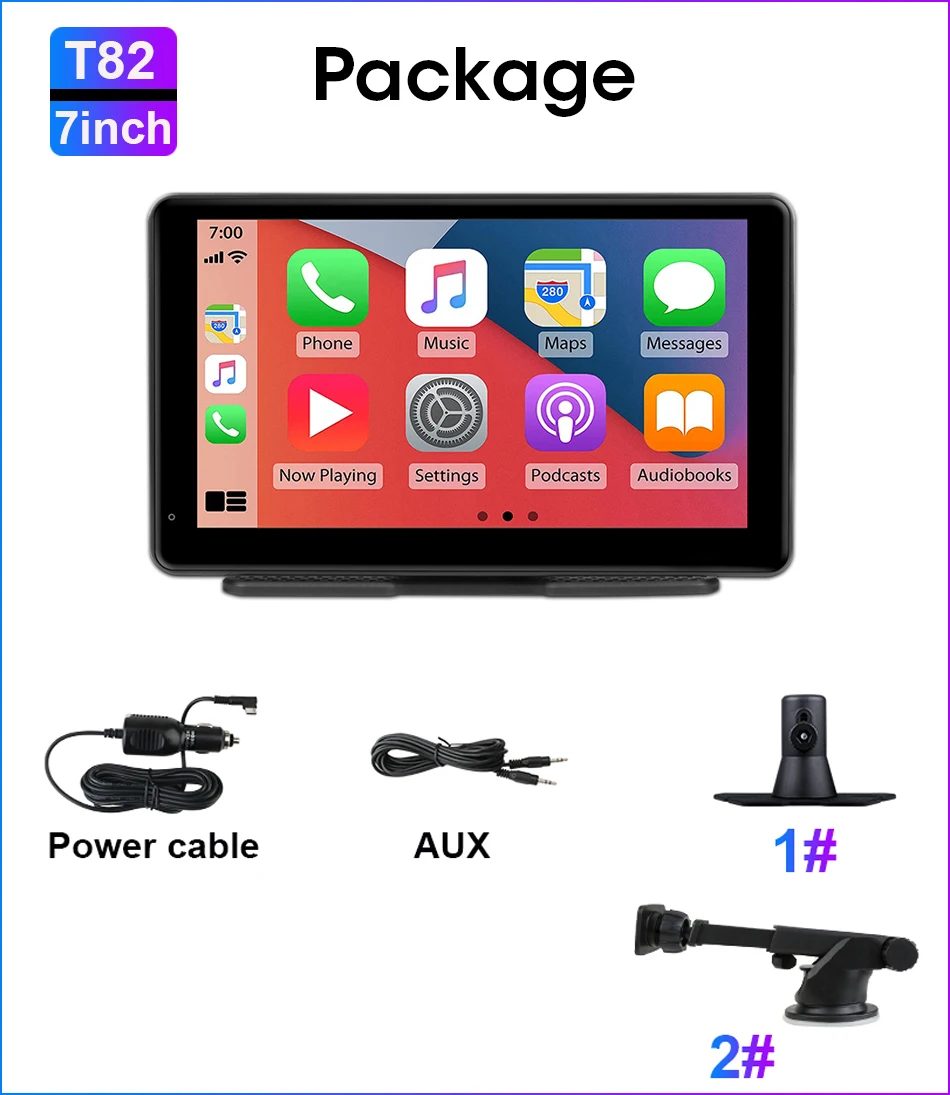
A: The product needs to be connected to the professional car charger we sent and powered on. The phone cable cannot be turned on.
Q:Why doesn't the MIC work during a call?
A:You need to choose Bluetooth audio output. Firstly, successfully connect to Carplay or Android Auto. Then use your phone's Bluetooth to connect to your car's Bluetooth.